Learn What Works for Your Audience

Connect your YouTube or TikTok channel and get AI-powered insights about which hooks perform best for YOU — not just general viral trends.

Connect Your Channel
Supported Platforms
YouTube
Video sync, demographics, full analytics
Live
TikTok
Video sync, metrics, hook analysis
Live
Instagram
Reels sync and analytics
Coming Soon
Facebook
Video and Reels sync
Coming Soon
in
LinkedIn
Profile connection
Profile Only
500
Videos Synced (YouTube)
100
Videos Synced (TikTok)
24h
Auto-Refresh
5
Insight Types
NEW FEATURE

Know Your Audience

Connect your YouTube channel and unlock powerful demographic insights to create content that resonates with your viewers.

1

Connect Your Channel

Link your YouTube channel in one click. We'll automatically import your videos and start analyzing what's working.
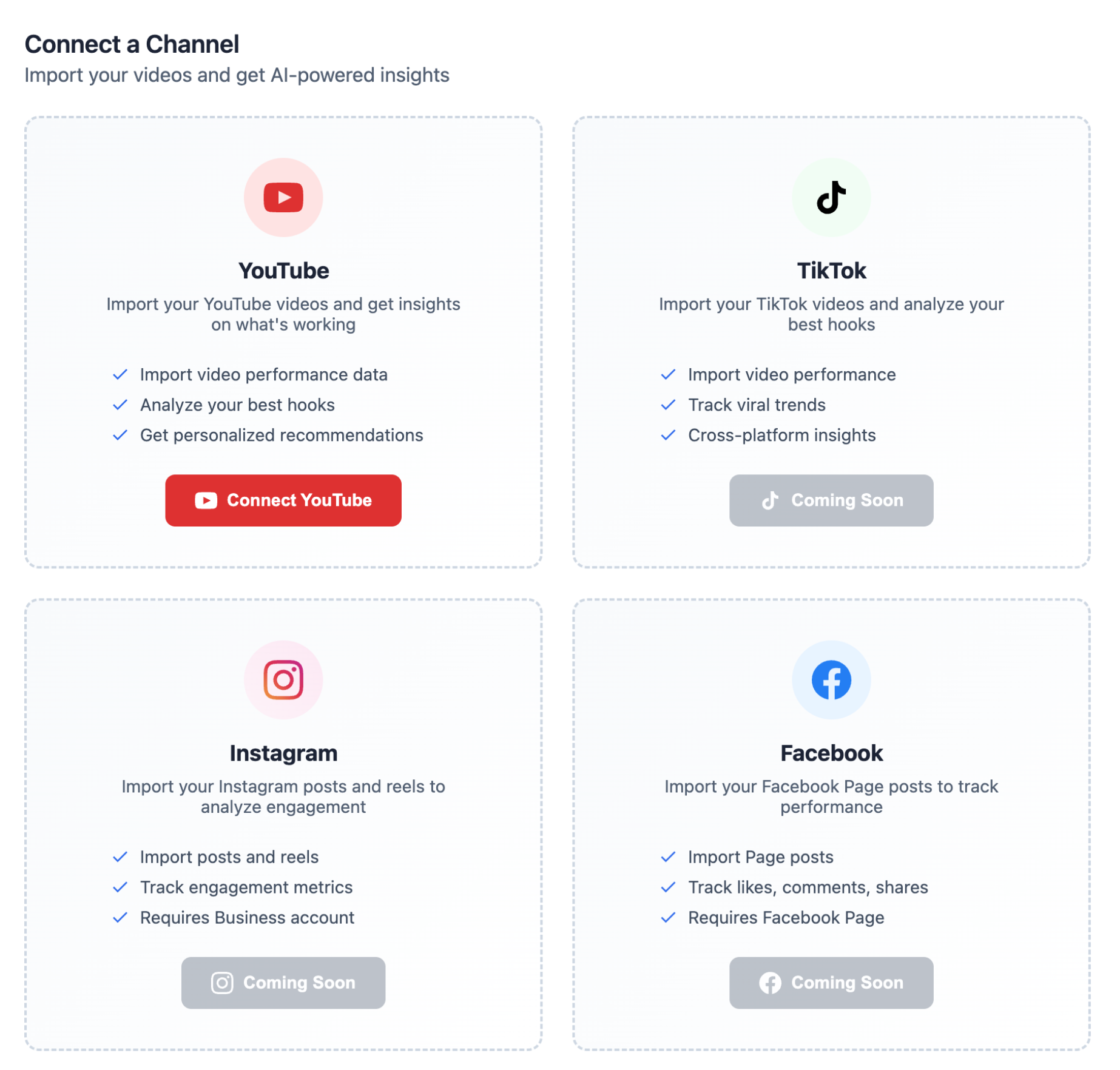
Connect your YouTube, TikTok, Instagram, or Facebook channel
2

Get AI-Powered Insights

See exactly what hooks, formats, and posting times drive the most views. Get personalized recommendations to grow faster.
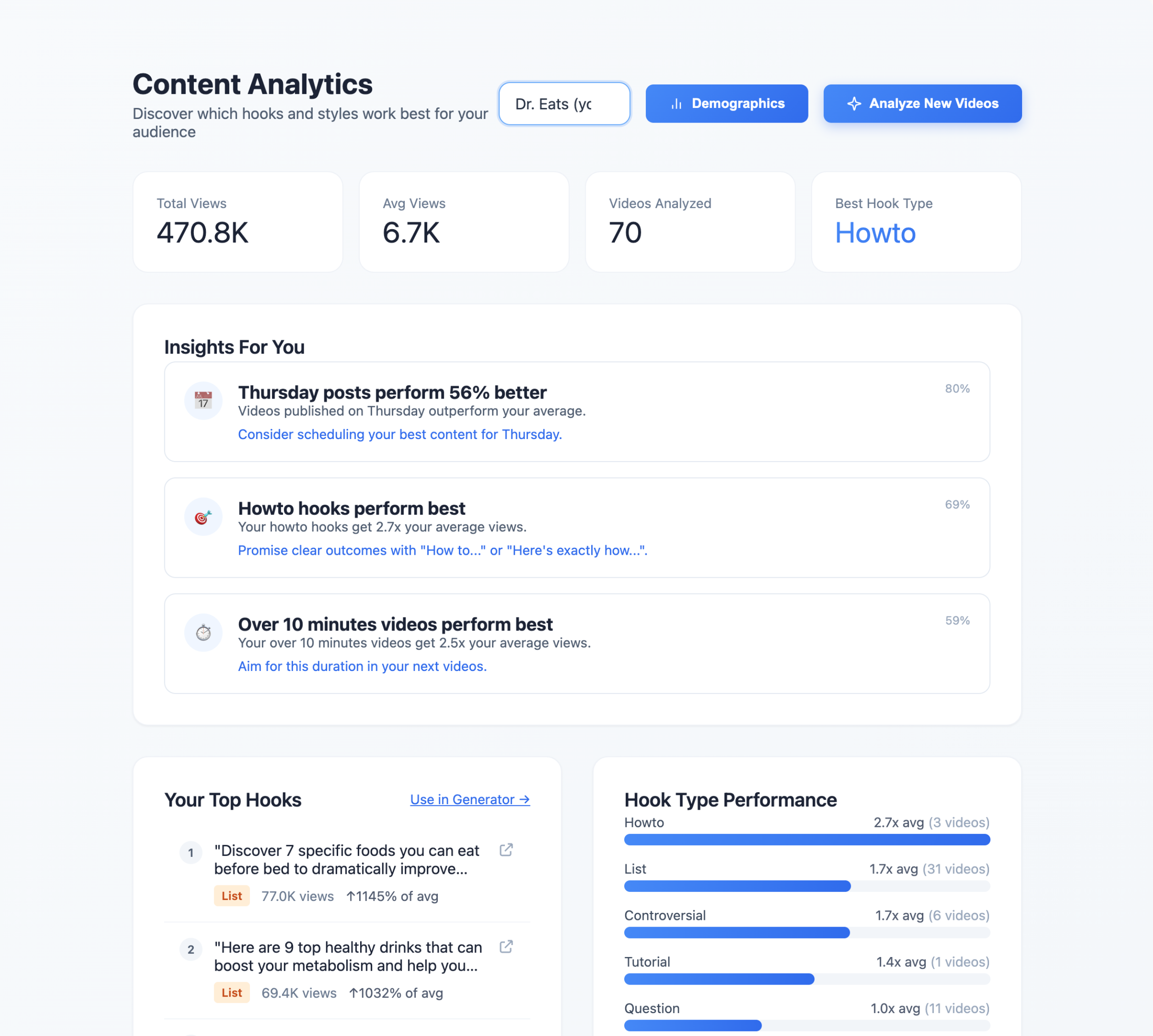
Content Analytics dashboard showing insights, top hooks, and performance data

Performance Tracking

See views, engagement, and trends across all your content.

AI Recommendations

Get personalized tips based on what's working for you.

Hook Analysis

Discover which hook types drive the most engagement.

Best Posting Times

Learn when your audience is most active and engaged.

Connect Your Channel

Available on Pro plans. Requires YouTube channel connection.

AI-Powered Insights for Your Content

Discover patterns in what's actually working for your audience

Your Insights
@yourchannel
Best Hook Type
Question hooks
Get 2.3x your average views
📅
Best Day to Post
Tuesday
Outperforms average by 47%
Best Duration
Under 60 seconds
Short-form performs best for you
🔢
Top Pattern
Numbers in hooks
4 of your top 5 videos use numbers

How It Works

From connection to insights in minutes

1

Connect Your Channel

Sign in with YouTube or TikTok. We'll request read-only access to your public videos.

2

We Analyze Your Content

AI extracts hooks from your videos, classifies them, and correlates with performance data.

3

Get Personalized Insights

See which hook types, post times, and patterns work best for YOUR specific audience.

What You Get

Everything you need to understand your content performance

📊

Video Analytics

Views, likes, comments, and engagement rates for all your synced videos.

Hook Extraction

AI automatically extracts and classifies the hook from each of your videos.

🎯

Performance Correlation

See which hook types, styles, and patterns drive the most views for you.

👥

Demographics

Age, gender, location, and device breakdown of your audience (YouTube).

📈

Traffic Sources

Understand how viewers discover your content — search, browse, suggested.

💡

AI Recommendations

Actionable insights like "Post on Tuesday" or "Use more question hooks."

See Your Top-Performing Hooks

Every hook extracted and ranked by performance

Hook Type Views
"Why nobody talks about this simple trick..."
Question
124K
↑312% of avg
"I tried this for 30 days. Here's what happened."
Story
89K
↑198% of avg
"3 things I wish I knew before starting..."
List
67K
↑156% of avg
"Here's exactly how to fix this problem..."
How-To
45K
↑89% of avg

Your Data, Your Control

We take privacy seriously

What We Access

  • Public video metadata (titles, descriptions)
  • View and engagement statistics
  • Channel analytics (aggregate data)
  • Traffic source information

What We Don't Access

  • Your private or unlisted videos
  • Your direct messages
  • Individual viewer data
  • Your comments or replies

Frequently Asked Questions

Everything you need to know about channel analytics

Last updated: January 2026

How do I analyze hooks from my own top-performing videos?

Connect your YouTube or TikTok channel and hooks are extracted automatically. Channel Dashboard:

  • Extracts the hook from each of your videos
  • Classifies each hook by type (question, story, how-to, etc.)
  • Ranks hooks by view performance
  • Compares each hook to your channel average

You see which hook styles work for YOUR audience, not general viral trends.

Can AI analyze what hooks perform best for my channel?

Yes. After syncing your videos, AI generates personalized insights like:

  • "Question hooks get 2.3x your average views"
  • "Videos posted on Tuesday outperform by 47%"
  • "4 of your top 5 videos use numbers in the hook"
  • "Short-form (under 60s) performs best for you"

These insights are specific to your audience, not generic advice.

What hook patterns correlate with high retention?

This varies by creator and niche — which is why Channel Dashboard analyzes YOUR patterns. The AI looks for correlations between:

  • Hook type and view count
  • Hook emotion and engagement rate
  • Video length and completion rate
  • Post timing and performance

Each insight shows a confidence score (90%+ = strong pattern, 70-89% = good pattern).

How do I test different hooks quickly?

Use Channel Dashboard insights to identify what works, then Hook Generator to create more. The workflow:

  • See "Question hooks perform best for you" in insights
  • Generate 5 question-style hooks for your next video
  • Post and track results in Channel Dashboard
  • Refine based on new data

This closes the loop between analysis and creation.

Why are my hooks not working?

Channel Dashboard shows which hook styles underperform for your specific audience. Common patterns:

  • Using too many story hooks when your audience prefers direct value
  • Posting on low-engagement days
  • Video length mismatch with audience preference
  • Hook style doesn't match content delivery

The insights surface these patterns so you can adjust.

How many hooks should I test per video?

Test 1 hook per video, but create multiple videos with different hook styles to gather data. Best practice:

  • Create 3-5 videos with different hook types on similar topics
  • Track performance in Channel Dashboard
  • Look for patterns after 10+ videos
  • Double down on winning hook styles

You need enough data for the AI to find reliable patterns.

What data do you access when I connect my channel?

Read-only access to public video data only. We access:

  • Public video metadata (titles, descriptions)
  • View and engagement statistics
  • Aggregate analytics (demographics, traffic sources)

We do NOT access: private videos, direct messages, individual viewer data, or your comments. You can disconnect anytime — all data is immediately deleted.

How often is my channel data updated?

Auto-sync every 24 hours, with manual refresh available anytime.

  • Initial sync: 1-5 minutes depending on video count
  • YouTube: Up to 500 most recent videos
  • TikTok: Up to 100 most recent videos
  • Manual refresh: Click "Sync Now" for immediate update

Note: Platform analytics can take 24-48 hours to update on their end.

How many videos do I need for meaningful insights?

Minimum 10 videos for basic insights. More videos = more confident patterns.

  • 10+ videos: Basic insights available
  • 20+ videos: Pattern confidence improves
  • 50+ videos: High-confidence, reliable insights

Each insight shows a confidence score. Focus on 90%+ confidence insights first.

Ready to Learn What Works?

Connect your channel and get personalized insights in minutes.

Connect Your Channel